

< Back to Employer Hub / Learner Hub
Using the Digital Apprenticeship Service (DAS)
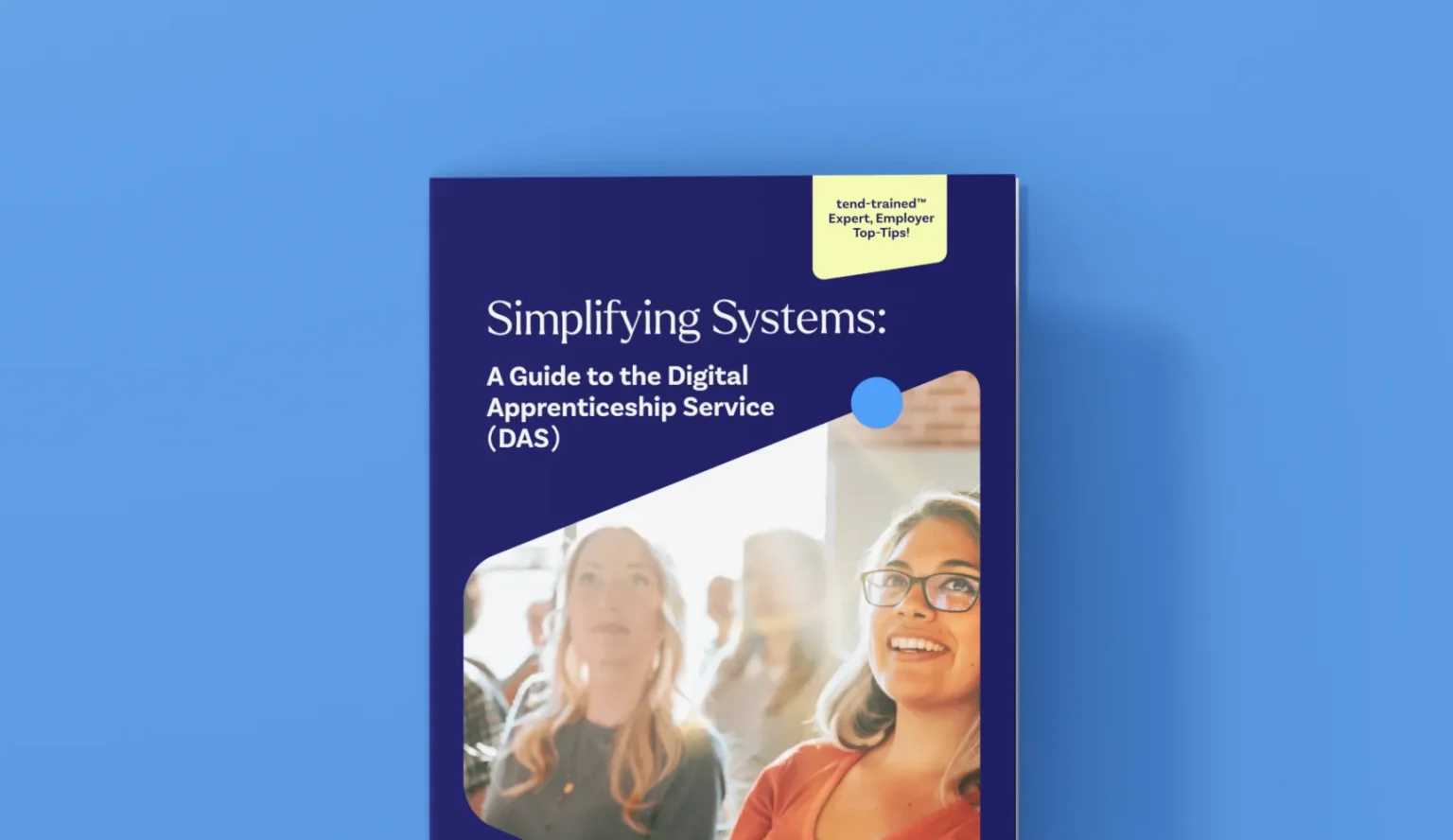
How to use the Digital Apprenticeship Service (DAS): a simple employer’s guide
Across critical care sectors, building a skilled and confident workforce has never been more important. Apprenticeships provide a powerful way to nurture talent, support career progression, and ensure teams have the knowledge to thrive in demanding roles.
At tend, we believe in turning learners into leaders and helping organisations like yours to invest in careers with heart, and skills with purpose.
More than that, tend is passionate about making the process as straightforward as possible. That’s why we’ve put together this guide to using the Digital Apprenticeship Service (DAS).
From its purpose, and getting set up on the platform, to the role it plays in the funding process and what it will do for you, we cover everything in detail to make your experience with it as easy as possible.
The role of the Digital Apprenticeship Service (DAS)
As employers looking to make the most of government funding, you’ll need to use the Digital Apprenticeship Service (DAS). It’s an online platform that allows you to reserve funding, approve payments, and manage apprenticeships from start to finish.
For non-levy employers, funding must be reserved before or within the same calendar month as enrolment, ensuring there are no delays to getting staff started.
Employers can reserve funding for up to 10 apprentices at a time. While many choose to let tend handle this process on their behalf, you also have the option to manage reservations directly. Either way, our team is here to guide you every step of the way.
Setting up your DAS account
Getting started is simple. To create your DAS account, you’ll need:
- Access to your organisation’s PAYE scheme details
- Someone authorised to use those details and sign agreements on behalf of your organisation
Once registered, you’ll confirm your identity, add your PAYE scheme, and sign the employer agreement. After that, you can link directly with tend by adding us as your training provider.
Giving tend the right permissions
To ensure a seamless process, employers are encouraged to set permissions within DAS that allow tend to:
- Add apprentices to your account
- Recruit apprentices on your behalf
- Manage reservations and approvals
This simple step removes the admin burden from your team, leaving you free to focus on what matters most: delivering excellent care.
What happens after enrolment
After your apprentice is enrolled, you’ll receive an email prompt to approve funding. It only takes a few clicks, and once approved, training can begin.
From there, our Development Coaches work closely with your apprentices, tailoring the learning to both your organisational needs and the individual’s career goals.
The tend difference
When you choose apprenticeships with tend, you’re not just signing up for training. You’re joining a movement dedicated to raising standards in care, empowering staff, and making sure the workforce is prepared for tomorrow.
Our partners consistently tell us that the support, structure, and professionalism of tend makes a tangible difference to the confidence of learners, and the resilience of the wider team.
Upon completion of their learning, apprentices will be able to proudly showcase that they are tend-trained, building a workforce that stands out for its expertise, compassion, and professionalism.
Ready to get started?
The DAS may seem complex at first, but with tend by your side, it becomes quick, simple, and gives you the flexibility to manage aspects of the funding process. Whether you want us to manage it for you, or you prefer to handle it in-house with our guidance, you’ll have our support in whatever you need. tend is more than a training provider. We’re your partner in success.
Let’s turn learners into leaders and shape careers with heart, and skills with purpose, together.
Got questions about using the DAS? Reach out to the tend team today on 01753 596 004 or email info@tendtraining.co.uk.